Rip & Drip is live: try it here. This is a personal project I am sharing, not an in-depth case study with a thesis. I got into pour over coffee, ran into an annoying problem, and built the thing I wanted to use.
▶ Tearing open a pack
The annoying problem
Discovering, reading about and shopping for a new brewer is fun. However, once it arrives, how do you get the best cup out of it?
There are hundreds of recipes, ones from the manufacturer, roaster, and the ‘public’. They are scattered across YouTube, roaster and influencer blogs and Reddit, each one often in a different format. Some give you a ratio and no pour schedule. Some give you a grind size that means nothing on your grinder. Most assume a cup size that may not be what you want.
So you end up finding one or two that you understand and doing your own arithmetic before your first coffee of the day. You then stick with that recipe, play with a few variables, and judge the brewer based on a narrow window. As someone new to this, that was the wall I kept hitting, and the recipes I ended up brewing were the ones I happened to find first rather than the ones I liked best.
What I built
A fun way to onboard to a new brewer by exploring a new recipe each day through collecting recipe cards. To get started, you pick the brewer, tear open its sealed pack, and pull a recipe.
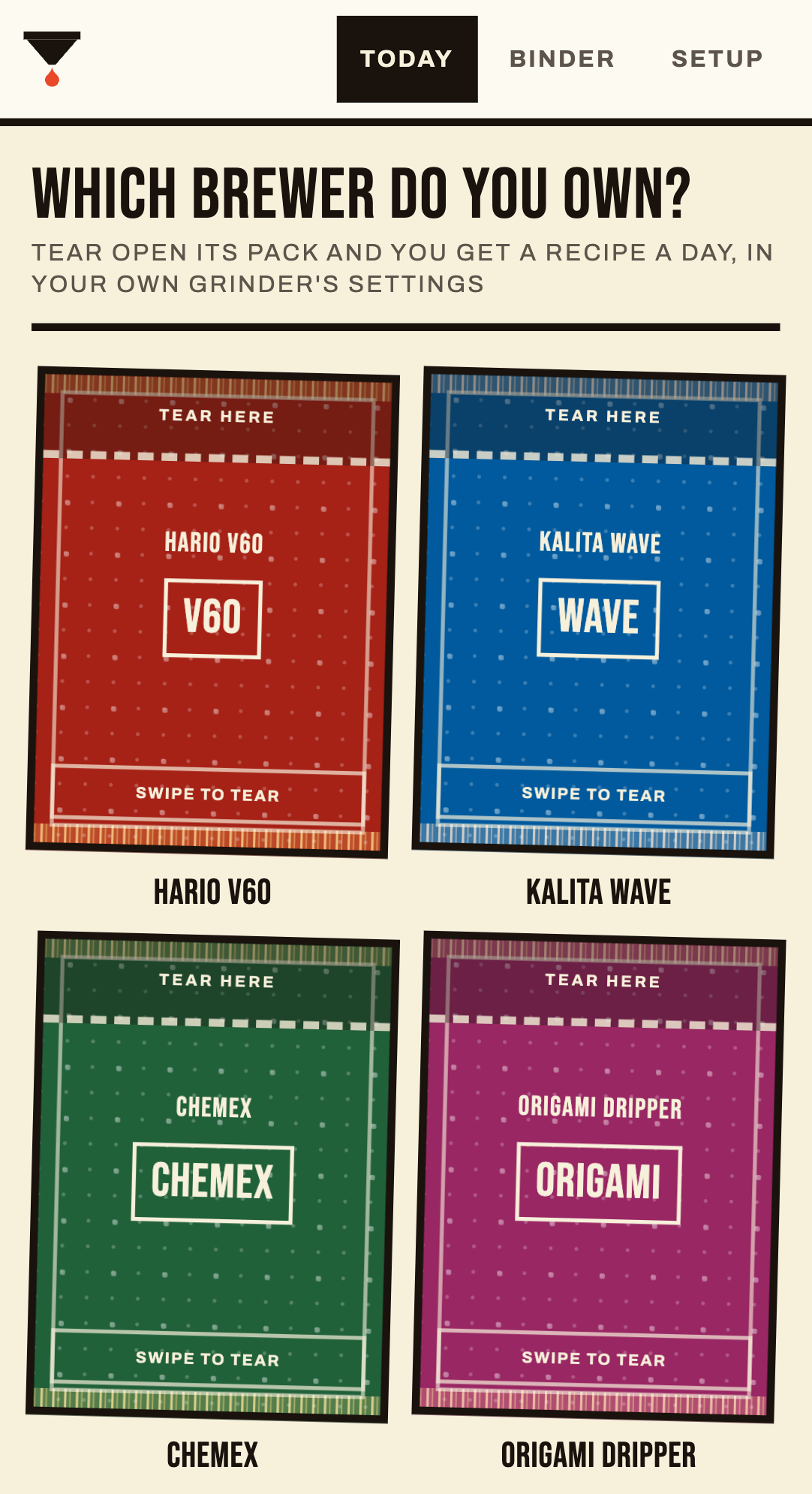
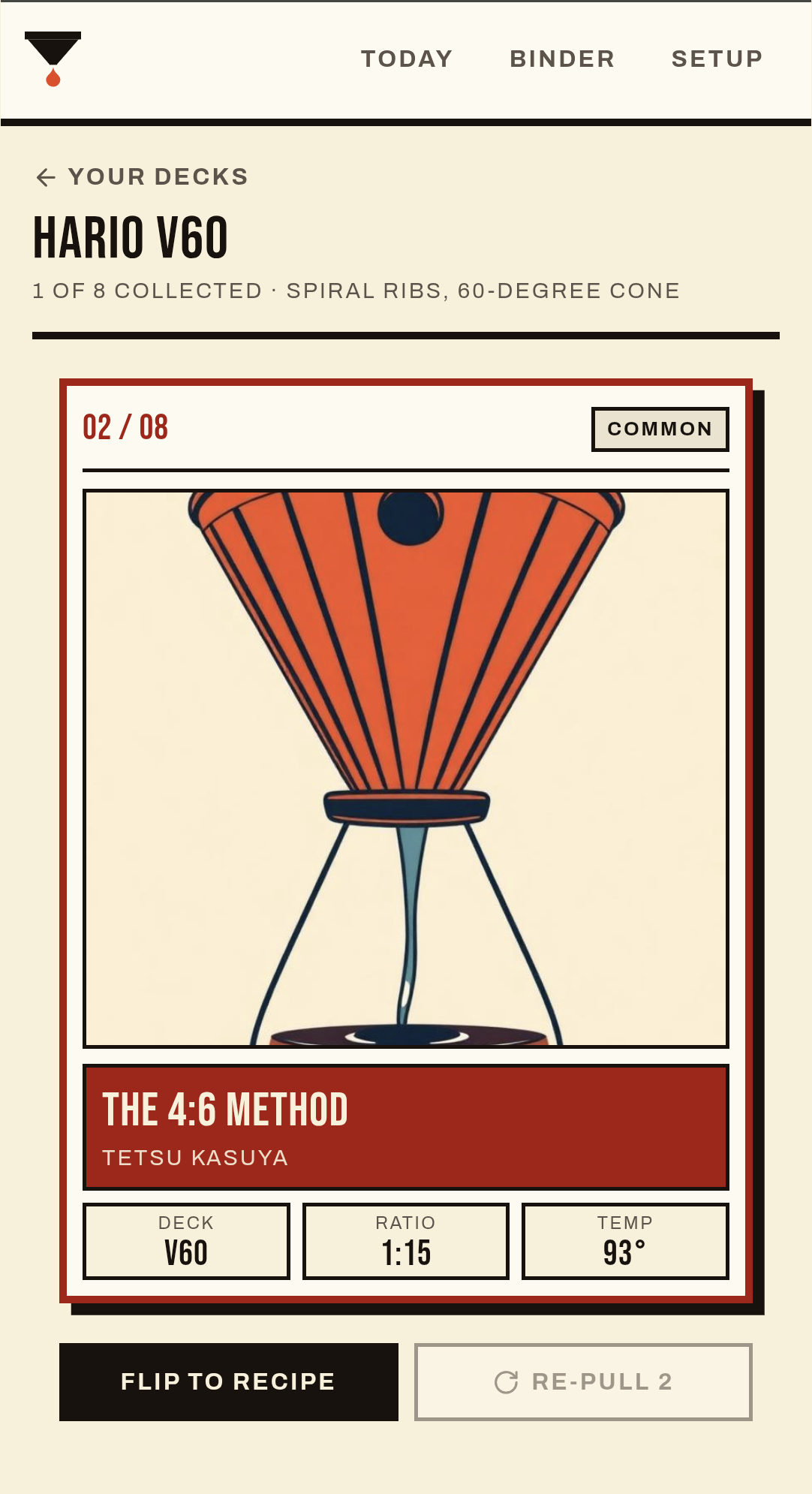
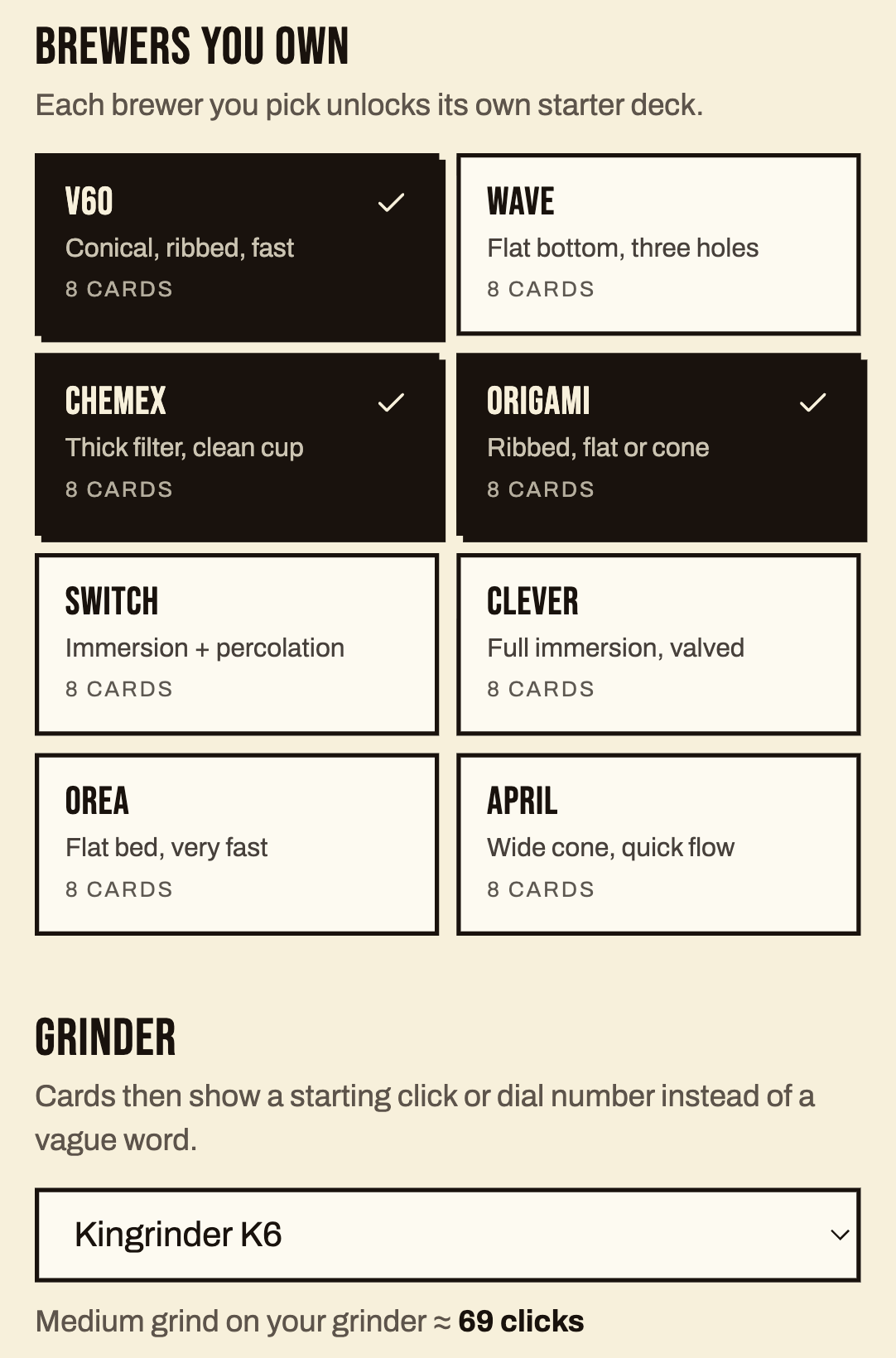
To start, I added eight popular brewers with eight cards each: V60, Kalita Wave, Chemex, Origami, Hario Switch, Clever, Orea V4 and the April. I constrained the brewers and recipes on purpose to validate their usefulness and avoid bloat. Use the Setup menu to customize the recipes to your brewers, grinder and preferred cup size. These recipes also cover a wide range of styles, so you should be able to find one that suits your preferred cup.
To that end, you can also tier each recipe by brewer to track the ones that worked for you and the ones that didn’t. These cards are stored in your binder. A card you have collected does not come back in the daily pull, so you work through a deck instead of scrolling a list and picking the one you already know. Collecting and rating all ‘common’ (5 cards), ‘rare’ (2) and ‘legendary’ (1) cards is the goal.
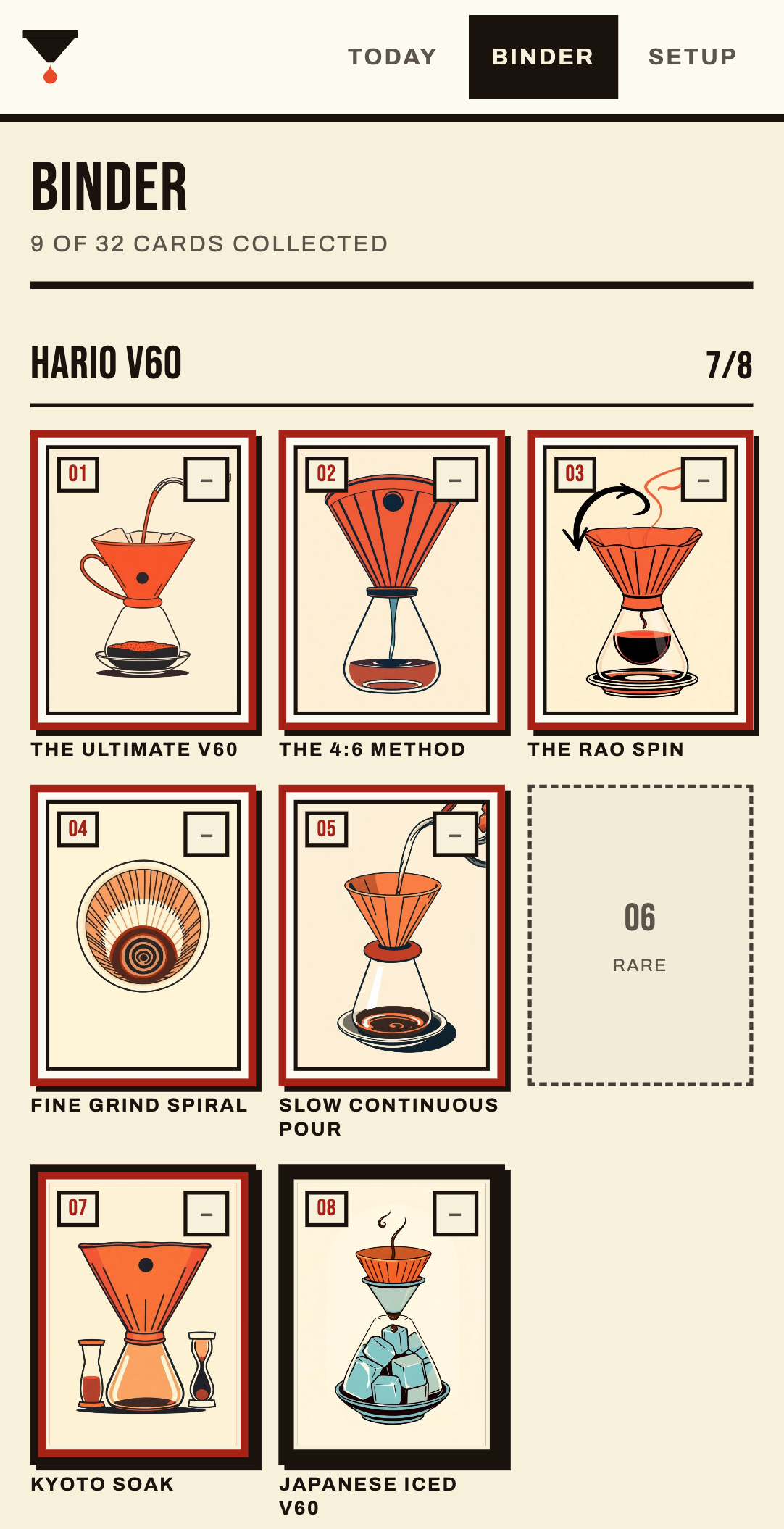
This means there is a logical endpoint to your collection, but that is sort of the point. This is an onboarding guide, something to refer to, not an engagement vehicle.
The idea was to take the two things that are actually fun here, getting a new brewer and experimenting with it, and pair them with the bit of daily silliness that makes you open an app in the morning. I hope you like it!
If you have any feedback, please feel free to reach out.
The part that took a bit of work
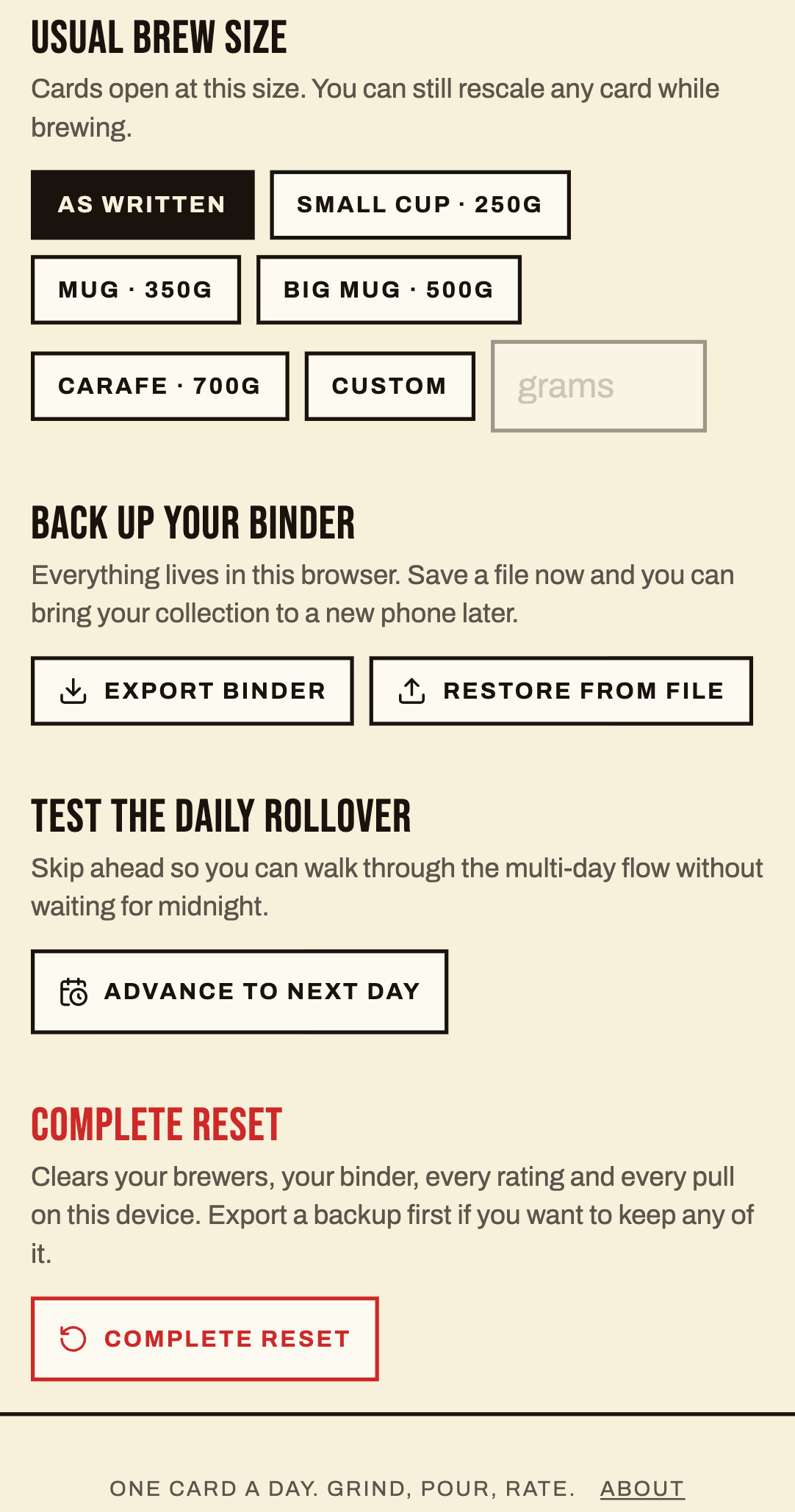
Everything on a card arrives already converted to your setup once you have input your brewer, grinder and preferred cup size.
The grind is a number on your grinder rather than a word. Clicks on a Comandante, a dial position on a Fellow Ode, a setting on a Baratza Encore. A published recipe saying “medium fine” is not portable, because grind is only meaningful in the units of the machine in front of you.
The dose matches your cup. Tell it you are making a mug and every measurement and pour step in the schedule rescales around your ratio. And it reports what actually ends up in the cup rather than the water you poured, because the coffee bed keeps roughly two grams for every gram of dry coffee.
The recipes are other people’s
None of these are mine, and that is sort of the point. We are saturated with recipes. This aims to provide some of the most well-known ones while throwing in some curveballs. Its goal is to offer enough breadth to get you started without being overwhelming.
If you are interested, every card carries the author, where the method was published, and a link. The data model has a field for transcription notes, so where a recipe reached me second hand from a video rather than the author’s own write up, the card says so. Card one of the V60 deck is James Hoffmann’s Ultimate V60, credited to Hario, because that is where anybody sensible starts.
How it was built
A couple of days on Lovable, moved over to my own repo, and polished through Claude code.
The code was the fast part. Tinkering with reading and validating the recipes properly, working out how a 1-to-10 grind scale maps onto the real ranges of eight different grinders, and “vetting” the sixty-four pieces of AI-generated card art was a bit more work. Funnily, I ended up leaving a lot of the hallucinated art because I found it amusing, and I hope you do too. Polishing was another grind (pardon the pun) as I wanted this to feel fun but also very intuitive and simple to use because at the end of the day it is trying to provide structural steps to execute and clarity is necessary in recipes.
Your setup is locally stored so as long as you use the same device you should be good to go. If you want to move your setup to a new device, you can export and import in the ‘Setup’ page. I avoided ‘accounts’ because I felt that type of infrastructure was overkill for such a simple application.
Lastly, I have included a couple of testing options at the bottom if you want to play around. They allow you to skip to the next day or do a complete reset of the setup.